Pointofix Guides: Setup, Languages, Windows Versions and Teaching Technique
Step-by-step articles that go deeper than the homepage — a clean Pointofix download, English or French menus, edition-specific advice for Windows 11, 10 and 7, honest options for Mac users, and annotation habits that keep an audience focused.
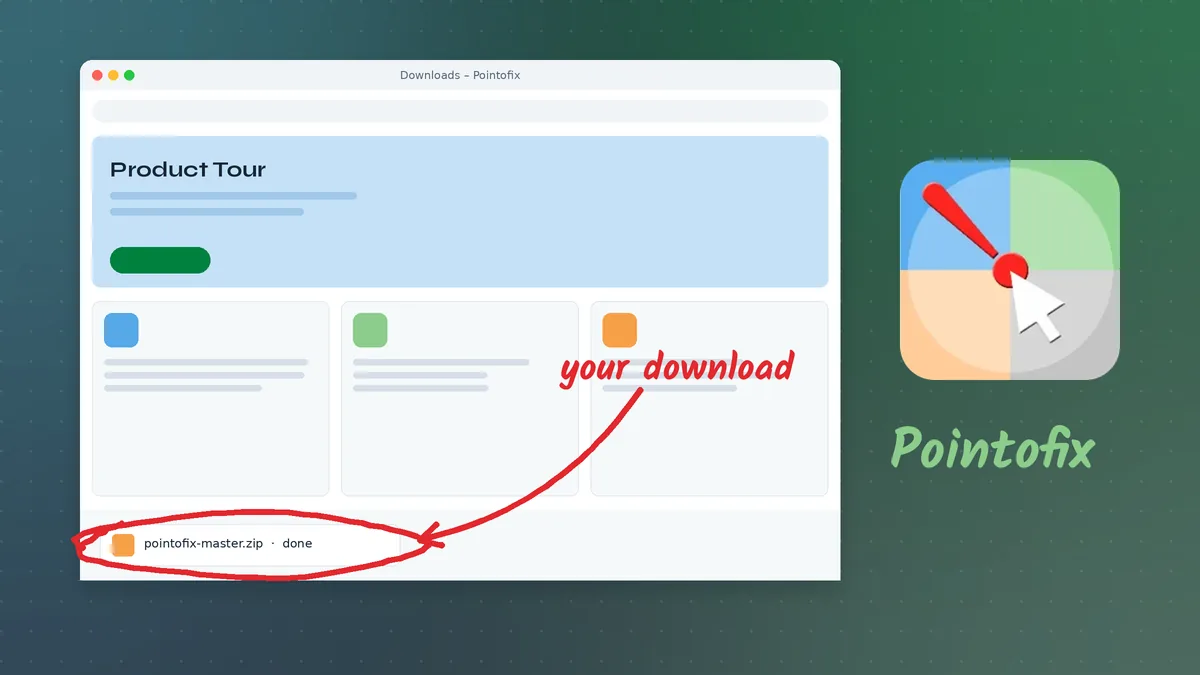
Pointofix Download: Getting the Right Package and Setting It Up Cleanly
A careful Pointofix download walkthrough covering where the package comes from, what is inside the archive, how to verify it, install it and get the first annotation on screen.
Read guide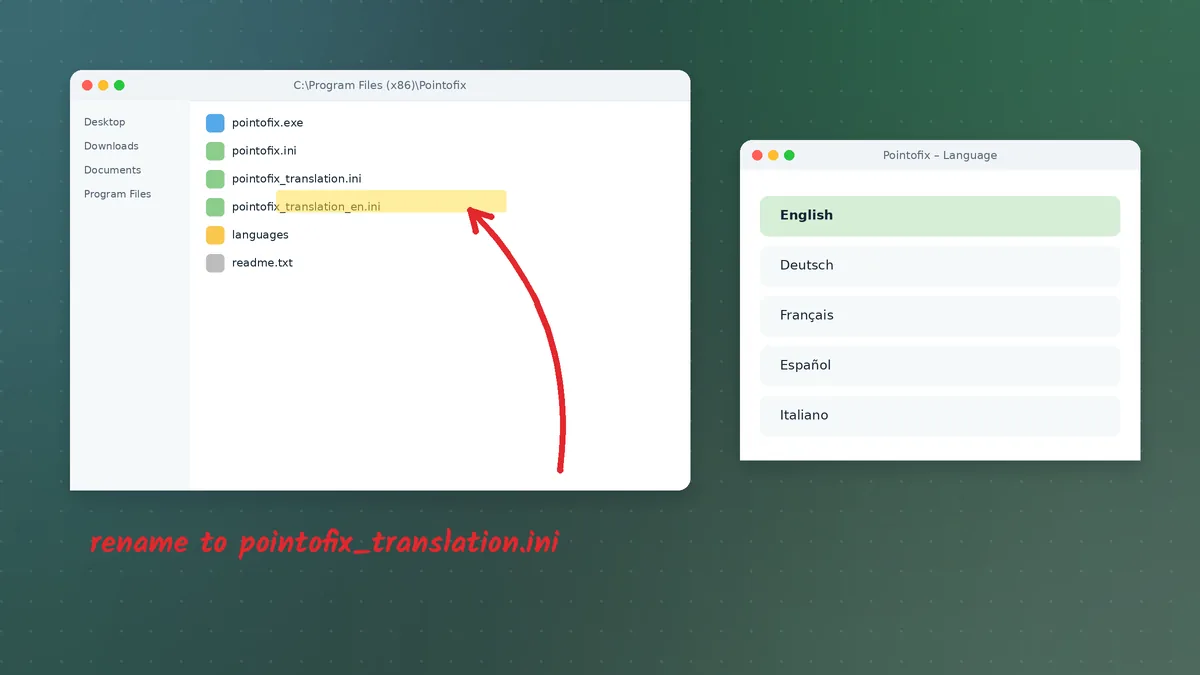
Pointofix English: Switching the Interface from German Step by Step
How to run Pointofix in English using the official translation file, where to place it, how to name it, and how to fix the menus when they stay in German.
Read guide
Pointofix on Windows 11: Setup, Scaling Fixes and Presentation Tips
Everything needed to run Pointofix smoothly on Windows 11 — Smart App Control, the redesigned taskbar, high DPI settings, snap layouts, touch screens and video calls.
Read guide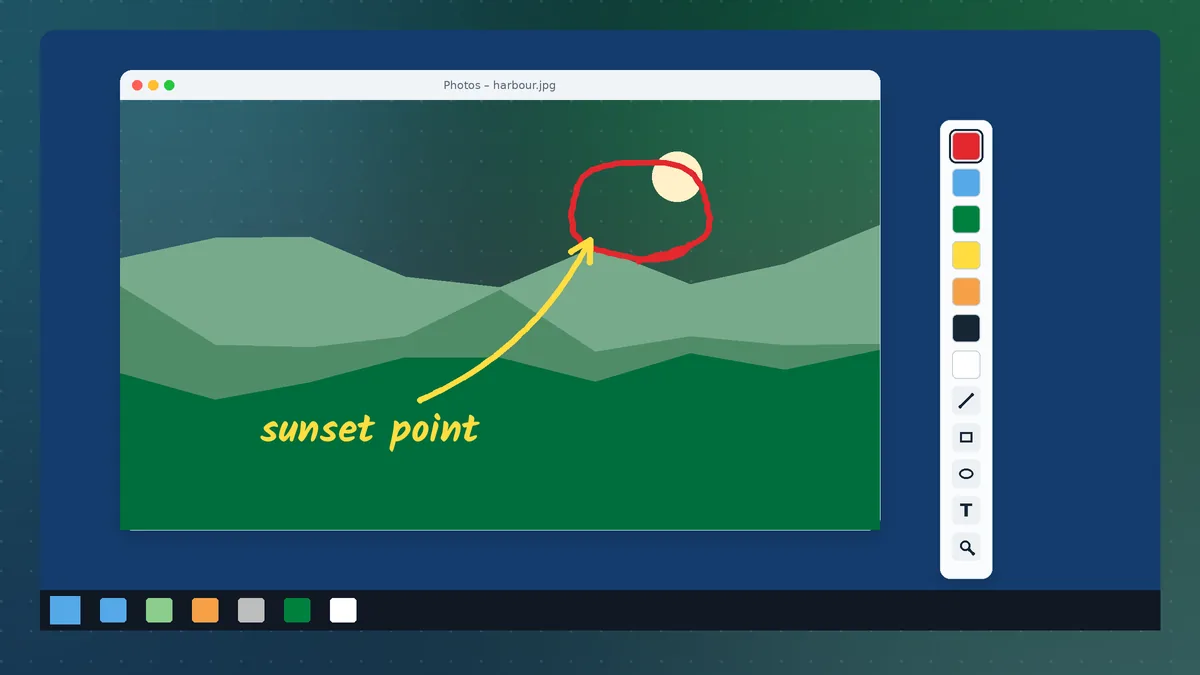
Pointofix on Windows 10: Installation, Settings and Everyday Use
Run Pointofix on Windows 10 with confidence — compatible installation, tray setup, hotkeys, scaling fixes, multi-monitor tips and a reliable workflow for presentations.
Read guide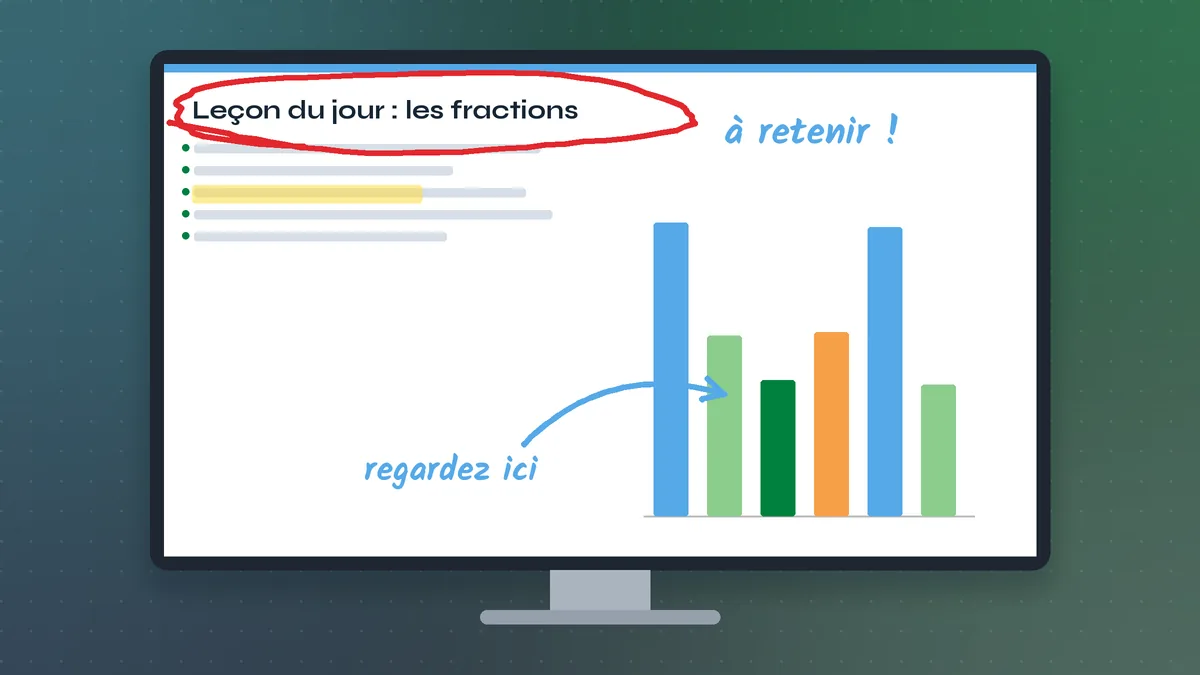
Pointofix EN Français: Running the Interface in French for Classes and Teams
Set Pointofix to French with the translation file, understand the French tool names, and use the program in francophone classrooms and bilingual training rooms.
Read guide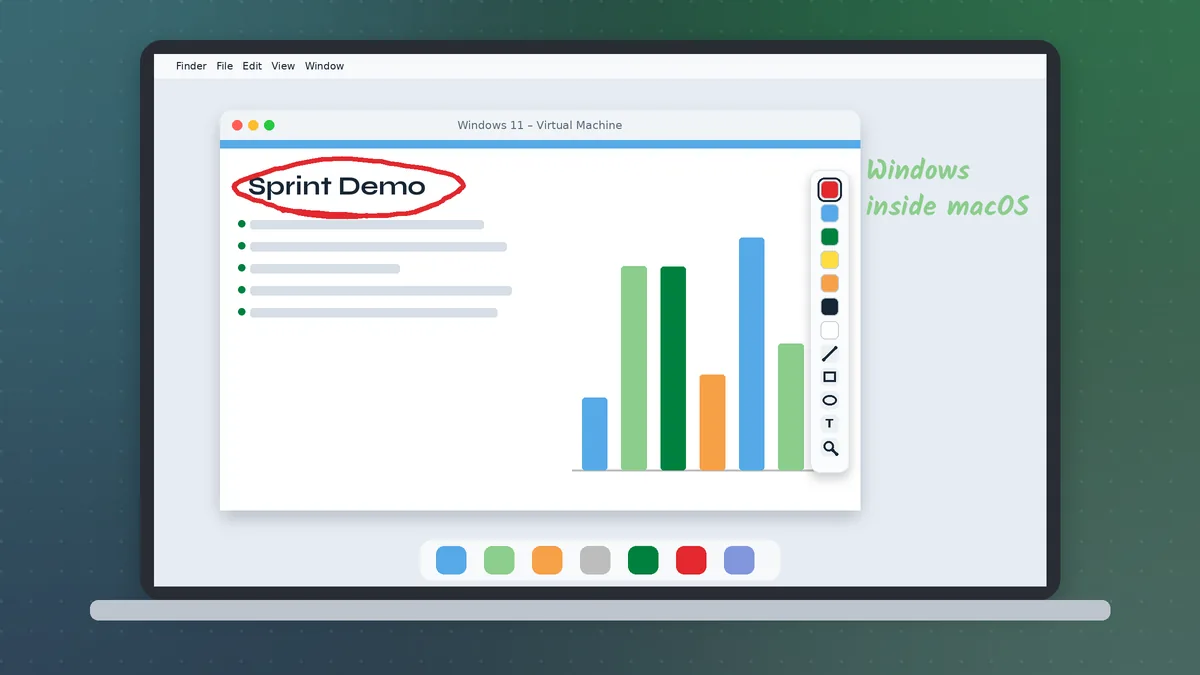
Pointofix Mac: Realistic Options for Using Point to Fix on macOS
Pointofix is a Windows program. This guide explains what that means for Mac users and compares virtual machines, Wine-based layers and native macOS screen annotation alternatives.
Read guide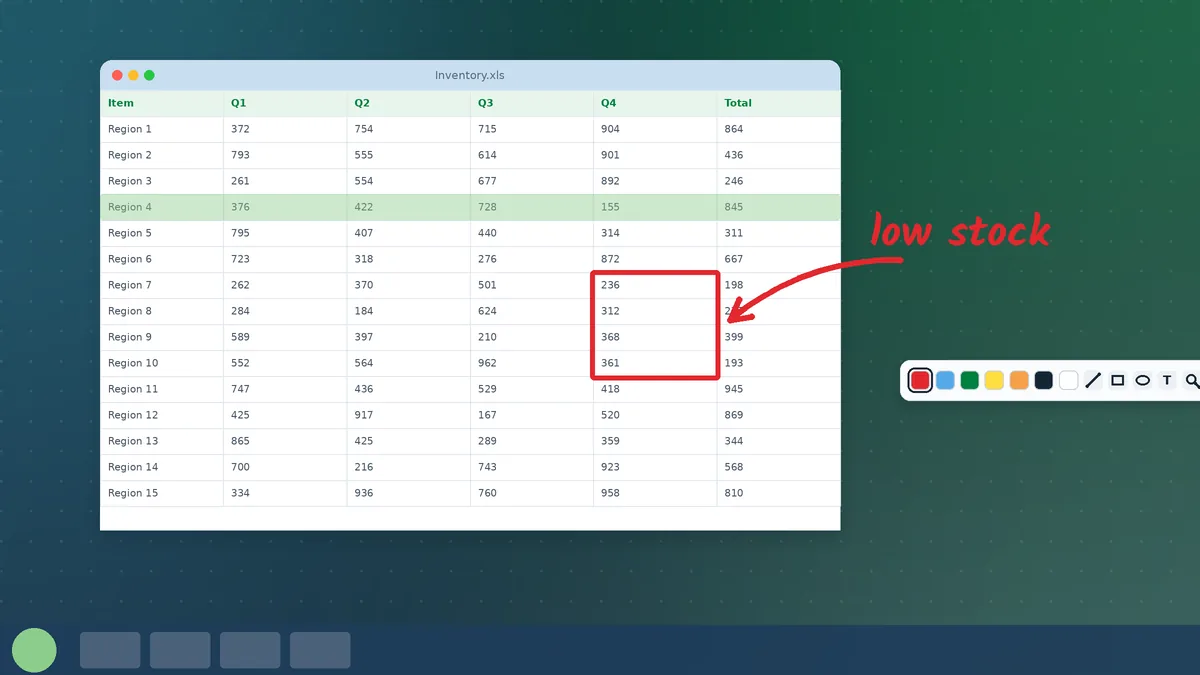
Pointofix on Windows 7: Keeping Older Classroom and Lab PCs Useful
Install and run Pointofix on Windows 7 machines, including 32-bit systems, Aero and Basic themes, projector setups, offline use and sensible security precautions for unsupported PCs.
Read guide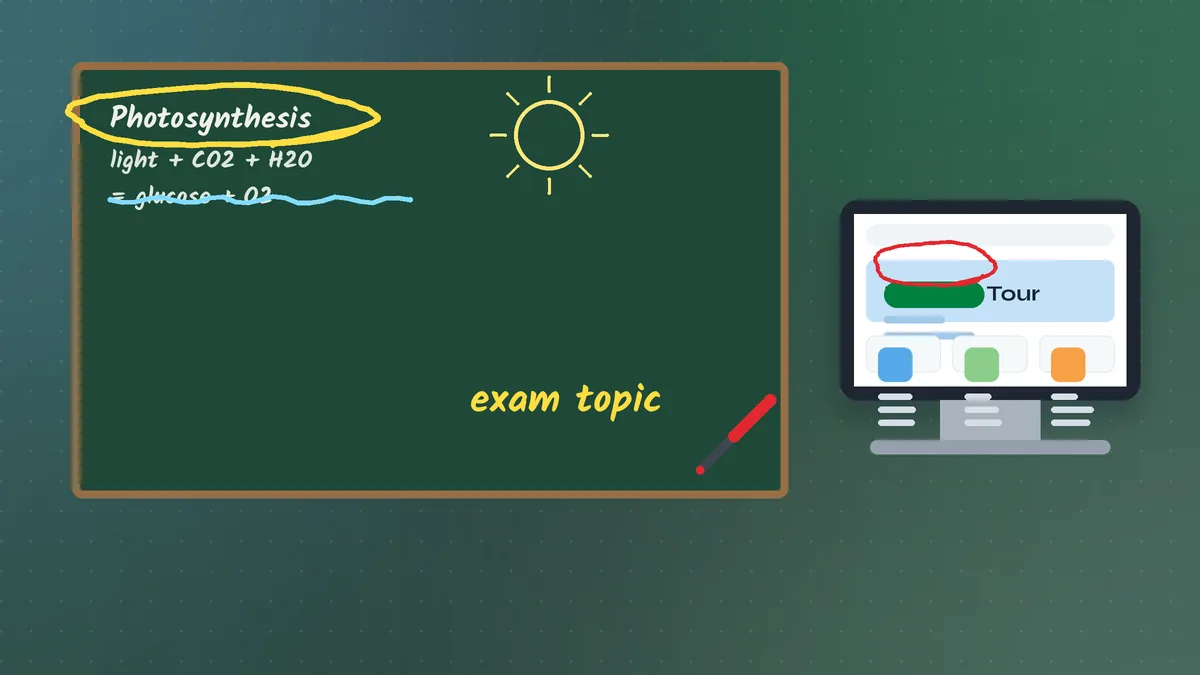
Pointofix for Teachers and Trainers: Annotation Techniques That Hold Attention
Practical Pointofix techniques for classrooms, IT training and live demonstrations — colour codes, pacing, zoom, freeze, saving recaps and avoiding the mistakes that distract an audience.
Read guide